PDF or DOCX: Which Resume File Should You Submit?
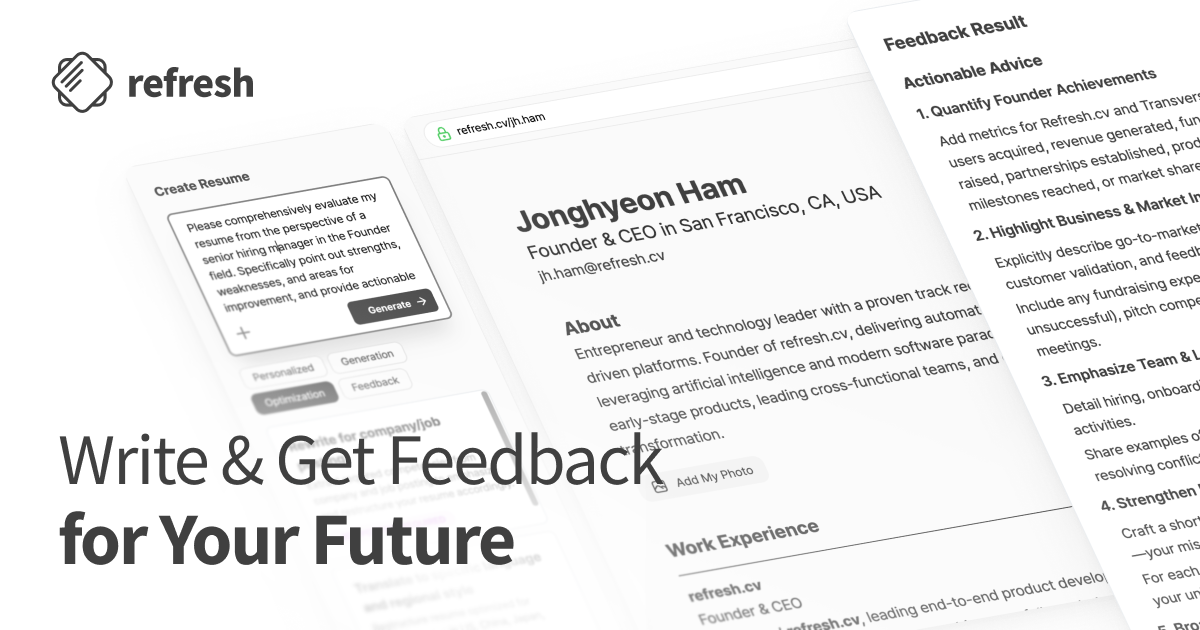
Submitting a resume as a PDF or DOCX? First, compare the job description’s requirements and ATS keywords with your resume’s wording and actual experience. Make supported revisions, then check the file you plan to submit.
Quick answer: Use the format the employer requests. If PDF and DOCX are both accepted, choose after checking the final file’s text and layout, not because one extension is automatically better. Tailoring your content and checking whether the submitted file is readable are separate tasks.
Check the job posting and upload requirements first
Read both the posting’s document instructions and the application’s upload screen before choosing a format.
| What the instructions say | What to do |
|---|---|
| The employer specifies PDF or DOCX | Save in that format and confirm the upload screen accepts it. |
| Only the upload screen lists file restrictions | Follow the allowed extensions and file-size requirements shown there. |
| Both PDF and DOCX are accepted | Check the final file’s text and layout before choosing. |
| The posting and upload screen conflict | Ask the contact listed in the posting which format and submission method to use. |
If the employer provides a required template, check its fields as well as its file extension.
When instructions conflict, ask a specific question: “The posting requests a PDF, but the upload screen only accepts DOCX. Which format and submission method should I use?”
An attached file, successful parsing, and job fit are different
A PDF is not guaranteed to be read accurately simply because it is a PDF. Keep these tasks separate:
- File attachment: Confirming that the application received the file.
- Resume parsing: In Greenhouse, scanning an imported resume and filling candidate-profile fields with the information detected.
- Job-fit review: Checking whether your resume supports the job’s requirements with relevant experience and skills.
In its unsuccessful resume parse guidance, Greenhouse explains that a resume can remain attached to a candidate’s record even when parsing fails. In that case, the person handling the record must enter information manually.
An attached file therefore does not necessarily mean its information was extracted successfully. Successful extraction also does not establish that the candidate meets the job requirements.
This is an example of how Greenhouse works, not a rule for every hiring system.
Check PDF text and the final DOCX layout
Open your PDF and try selecting your name and part of a work-experience bullet. As a preparation check, paste that text into a plain-text editor and look at the order of company names, job titles, and employment dates.
Use this check to inspect the file before submitting it, not to test the employer’s application system.
Do not stop checking a DOCX file just because it has the requested extension. Greenhouse’s guidance on parsing problems identifies complex tables, headers and footers, column layouts, and unclear section divisions as potential sources of trouble. It also lists names and contact information placed in headers, footers, or text boxes.
Use that guidance to review the final file:
- Can you easily find your name and contact information in the document body?
- Are the headings and content for experience, education, and skills clearly separated?
- Could you convey the same experience with fewer tables or columns?
- Are any sentences cut off or work-history entries misaligned?
These checks do not mean a complex design automatically leads to rejection. They help you reduce unnecessary structure and inspect the actual file you will submit.
A hypothetical example: choosing a file for the same experience
Consider a hypothetical applicant who grouped customer inquiries by issue type and discussed improvement proposals with an operations team. The scenarios below illustrate file selection. They are not a format-performance test or an account of an actual application outcome.
If the employer requests PDF only
Export the editable source document as a PDF, then reopen that PDF. Check that the contact details and experience bullets are visible and that you can select the text.
If you find a problem, fix the source document and export it again. Do not substitute DOCX simply because you are more comfortable with it.
If the employer requests DOCX only
Save the resume as DOCX and inspect that file’s content and layout. If the contact information appears only in a header, consider moving it into the document body.
A good-looking PDF does not tell you whether the DOCX version is ready to submit. Check the requested file itself.
If both are accepted but the PDF text cannot be selected
Rather than submitting that PDF immediately, return to the editable source document, export it again with text preserved, and recheck it.
If you still cannot complete the check on the new PDF, you can open the permitted DOCX version, inspect its content and structure, and choose that file instead.
Whenever you change formats, compare responsibilities and employment dates with the source document. For this hypothetical applicant, check that the inquiry-categorization bullet has not disappeared or moved under a different employer.
The decision should follow the submission requirements and the final content, not a guess about which extension will receive a higher evaluation.
Finalize job-specific content before changing formats
File readability and the quality of your experience descriptions need separate attention. At refresh.cv, start by pasting the job description so we can extract its requirements and ATS keywords. Compare them with your resume’s wording and supporting experience, identify missing terms or requirements, and prioritize revisions. Use the job’s terminology only where it accurately describes work you have done.
Suppose the hypothetical applicant is applying to a posting that asks for customer inquiry analysis and SQL. Review the requirements in distinct groups:
- Keyword and experience are both present: If the resume already describes inquiry analysis and the work behind it, check that the stated responsibilities are accurate.
- Relevant experience is present, but the wording is missing: If categorizing inquiries matches the posting’s analysis responsibilities, make the actual work more specific.
- Neither keyword nor experience is present: If the applicant has not used SQL, do not add it as a skill. Categorizing customer inquiries does not become SQL experience through a rewrite.
A concrete rewrite can clarify existing evidence without adding a new accomplishment:
Before: “Handled customer inquiries.”
After: “Grouped customer inquiries by issue type and discussed improvement proposals with the operations team.”
This hypothetical rewrite names the work and the applicant’s contribution. It does not invent an inquiry volume, a business result, or SQL experience. Before using any example, check that it accurately describes your own responsibilities.
Resume quality, including specificity, achievements, wording, and grammar, is separate from keyword fit for a particular job. Neither assessment is the employer’s actual ATS result or a prediction of hiring success.
Before submitting, compare the attachment with the application fields
Greenhouse also explains that partially parsed information may need manual review and correction in its resume parsing guidance. That guidance is written for people managing candidate records. It does not mean every applicant-facing form offers the same review options.
If the application shows you automatically populated fields, compare them directly with your final resume.
Submission checklist
- Contact details: Check your name, email address, and phone number.
- Work history: Confirm that company names, job titles, and employment dates are complete and correctly matched.
- Final attachment: Make sure you uploaded the revised version, not an earlier draft.
- Submission requirements: Confirm the required format, template, and file-size conditions.
Use refresh.cv to compare the job description with your actual experience, finalize truthful revisions, and save in the required format. Then check the final attachment and any visible application fields before submitting.
0
Get new posts by email
Subscribe to get new articles on resumes, interviews, career moves, and career growth.