How Do You Check If a Resume Passes ATS Screening?
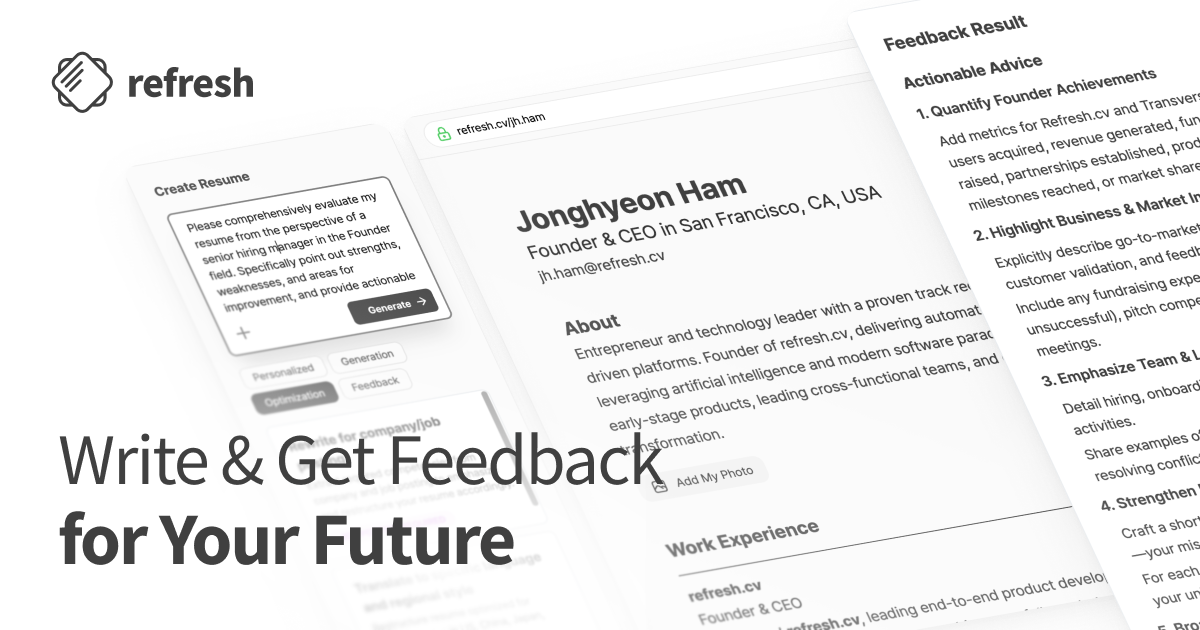
An ATS check for a resume is really two separate tests: can the file's formatting be parsed correctly, and does its wording match the keywords in one specific job posting. The first you can run yourself for free with a checklist and a plain-text paste test. The second needs a real job description and a comparison step, which is what refresh.cv, Teal, and Rezi are built for.
We build refresh.cv to compare a job posting's requirements and ATS keywords against the experience evidence already sitting in your resume, then help you revise the wording to match. "Can you check if my resume passes ATS" is one of the most common questions we get, and it usually bundles two different checks into one sentence. This guide splits them apart: what you can verify alone, what needs a tool and a job posting, and how to read the result of either one without over-trusting a score.
Why ATS Screening Is Worth Checking At All
If you are applying to a large company, assume an applicant tracking system is involved. The Jobscan 2026 ATS Usage Report analyzed Fortune 500 career pages and found ATS software in use at 97.4% of them (487 of 500) in 2026, consistent with the 97.4-98.8% range the same report recorded in 2018, 2019, and 2023 through 2025. That figure describes large US employers specifically. It does not tell you what a domestic company or an early-stage startup is running.
The claim that "ATS auto-rejects most resumes" is weaker than it sounds. Enhancv interviewed 25 US recruiters and found that most described rejection as a human decision, not a system one, with application volume as the real bottleneck. At the same time, the UVA Career Center notes that many ATS platforms score how closely a resume matches a posting, and recruiters often sort or search applicants by that score or by keyword. What matters in practice is whether your resume surfaces when someone searches or ranks by keyword.
What an ATS Check Actually Covers
| Stage | What it looks at | How to check it | Do you need a job posting? |
|---|---|---|---|
| Step 1: Parsing | Layout, section headers, fonts, file format | Checklist plus a plain-text paste test | No |
| Step 2: Keyword matching | Job title, skills, certifications, industry terms versus your evidence | A job-comparison tool or manual side-by-side | Yes, always |
Step 1: A Format and File Checklist You Can Run Alone
Parsing checks cost nothing and need no software. These are the items that career centers and resume-tool guides repeat most consistently.
- Use a single-column layout. The University of Minnesota Duluth Career Center advises against tables, text boxes, and multi-column layouts, since an ATS typically reads a page left to right regardless of visual columns, and it cannot extract text locked inside a graphic, logo, or image.
- Put contact details in the body, not the header. Santa Clara University's Career Center points out that an ATS commonly skips headers and footers, so your name and contact information belong at the top of the main document instead.
- Stick to standard section titles. The UVA Career Center recommends conventional labels like "Skills," "Work Experience," and "Education" over a creative header such as "What I've Done."
- Keep fonts conventional. Rezi's ATS resume guide suggests fonts like Arial, Calibri, Verdana, or Helvetica, body text at 10 to 12 points, and headings at 12 to 14 points.
- Choose a sensible file format. The same Rezi guide notes that most current ATS platforms read both PDF and .docx, and that a PDF generally preserves formatting better, but a posting's stated format requirement always wins, with .docx as a reasonable fallback when instructions are unclear.
Once the checklist is done, run the fastest test available: copy your entire resume and paste it into a plain-text editor. The Rezi guide treats garbled formatting or missing sections at this stage as a signal that an ATS may struggle with the same file. If a job title lands far from its dates, or a skill gets pulled into the wrong section, simplify the layout before moving on.
Step 2: Diagnosing Keyword Matching Against a Real Job Posting
Keyword matching changes with every posting, so there is no single "ATS score" for one resume in isolation. The same file can look strong against a data-analyst posting and weak against a CRM-marketing one.
The order we recommend: paste in the job posting, extract its requirements and ATS keywords, compare that list against your resume's current wording and the underlying evidence, flag what is missing along with a revision priority, then rewrite to match your real experience. Every keyword in the comparison lands in one of three states.
Say a "Marketing Analyst" posting asks for SQL, Google Analytics 4, A/B testing, CRM, and Tableau, and your resume currently reads like this:
| Posting keyword | Current resume wording | Diagnosis | Revision direction |
|---|---|---|---|
| SQL | "Wrote SQL queries to build weekly sales dashboards" | 1. Keyword and evidence both present | Keep as is; add scope or frequency if you can |
| A/B testing | Describes alternating two landing-page versions and comparing conversion, without naming the method | 2. Experience exists, exact wording missing | Rewrite as "Ran A/B tests on product pages" using the posting's term |
| CRM | Experience running segmented email campaigns, no abbreviation used | 2. Experience exists, exact wording missing | Write "CRM (Customer Relationship Management)" so both forms are searchable |
| Google Analytics 4 | Lists only "Google Analytics" | 2. Experience exists, exact wording missing | Correct to the exact product name if GA4 is what you actually used |
| Tableau | No hands-on experience | 3. Keyword and evidence both absent | Leave it out of the resume; address it in a cover letter or a stated learning plan instead |
State 2 produces the highest return on editing time, because the work already happened. The task is translating it into the posting's language. Rezi's guide recommends pairing an abbreviation with its full term so both versions are searchable, and UIC's Office of Career Services advises mirroring the posting's exact job title where it applies, warning that misspelled terms simply go unrecognized. State 3 stays unfilled on principle: Ohio Northern University's ATS guide cautions against adding skills you do not have just to satisfy a keyword scan, since every line on the resume still has to hold up in an interview or a work sample.
Where to Run a Job-Specific Comparison
Checking by hand works, but it gets slow once a posting lists a dozen required terms. Here is how a few services that explicitly offer job-comparison features differ. Free and paid limits shift over time, so confirm current terms on each provider's own page before signing up.
| Method | How it compares against a posting | What to keep in mind |
|---|---|---|
| refresh.cv | Extracts a posting's requirements and ATS keywords, compares them against your resume's wording and experience evidence, and shows the three states above with a revision priority | Keeps resume quality (specificity, achievements, wording, grammar) as a separate score from job-specific keyword fit; does not suggest padding keywords or inventing experience |
| Teal | Paste in a posting to see matched and missing keywords plus a Match Score, per Teal's own guide | Teal's own guidance is explicit that the score does not guarantee advancing in a hiring process, and that suggested keywords should only be added when true |
| Rezi | An ATS Resume Checker that scores keyword and formatting elements together, per the Rezi guide | Combines the parsing check and the keyword check into one screen |
| Manual comparison | Print the posting, mark keywords by hand, compare line by line against the resume | Free, but synonyms and abbreviations are easy to miss this way |
On refresh.cv's pricing page, the Free plan ($0) includes 5 AI resume edits and 5 resume score analyses per month. Pro ($14.99/month) adds job-specific resume customization, ATS keyword analysis with improvement suggestions, and unlimited resume score analyses. After a resume is tailored to a posting, Mock Apply offers one more round of application prep before you submit, included at 1 use per month on Free and 10 per month on Pro. Confirm current pricing and limits before paying, since they can change. A broader look at tools for applicants targeting roles abroad is in 5 Resume Tools for International Job Applications, Compared.
What an ATS Score Can't Tell You
No tool's score reproduces what a specific company's actual ATS will do, because the underlying system and the search filters a recruiter sets up both vary by employer. A higher score means your resume's language moved closer to the posting's language. It is not a stand-in for interview odds or an offer probability.
Overloading keywords can backfire too. The Rezi guide warns that stuffing in terms makes the writing sound unnatural and tends to show. A resume is still read by a person after it clears any automated step, so the better use of your time is usually rewriting state-2 experience into accurate, specific language rather than adding more terms.
FAQ
Does this checklist apply outside Fortune 500 companies?
The formatting principles, a single column, contact details in the body, standard section headers, describe how machines parse a document, so they hold up broadly. The 97.4% ATS usage figure above is specific to large US employers, though, so for a domestic company or a smaller one, look at how the posting asks you to apply (a company careers page versus an email submission) and follow any stated file-format instructions first.
Do photos or birth dates cause ATS parsing problems in a US-style resume?
A photo is an image, so an ATS cannot extract information from it, and US resume convention generally omits photos and birth dates regardless of parsing. The reasoning behind that convention, and how it differs from resume formats in other markets, is covered in Why US Resumes Skip Photos and Birth Dates.
Should I list every keyword from the posting in my skills section?
List only what you can actually speak to. A keyword sitting in a skills list with no supporting evidence in your work history is hard to defend in an interview. A skill worth listing should show up at least once in a bullet point tied to real work.
Can I just paste the job posting and resume into ChatGPT instead of using a dedicated tool?
You can, though you will need to write your own prompt each time, and getting a consistent three-state breakdown is harder to repeat across postings. The cost and consistency tradeoffs between doing this manually and using a dedicated resume tool are covered in Is a Resume Builder Subscription Worth It vs ChatGPT?
Run the Comparison on One Real Posting
Once the plain-text test confirms your formatting parses cleanly, the next step is picking one posting you are actually applying to and checking the keyword match against it. Import or write your resume at refresh.cv, paste in that posting, and you'll get the three states above sorted into what already matches, what just needs rewording, and what should stay out, so you know exactly where to spend your editing time.
0
Get new posts by email
Subscribe to get new articles on resumes, interviews, career moves, and career growth.